Let’s be honest — when someone leaves your organisation, their OneDrive often becomes a black hole. Important documents vanish, shared files become inaccessible, and the team is left wondering where that critical spreadsheet went. In fact, I was just discussing this very thing with a not-that-small organisation last week!
Microsoft’s new OneDrive update introduces a more structured approach to handling files when employees depart. Managers now receive clearer notifications and access to the departing user’s OneDrive, making it easier to locate and preserve shared content. You can “configure automatic access delegation” so that when a user is deleted, the user’s manager (per Microsoft Entra ID) is automatically given access to the user’s OneDrive.
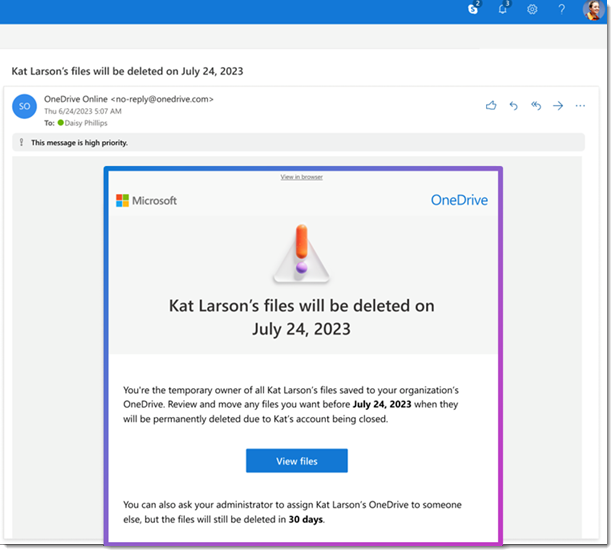
While this update is a big step forward, it’s still a good idea for organisations to review their offboarding processes. Not every file in a departing user’s OneDrive will be relevant, so a quick audit can help ensure only necessary documents are retained or transferred. One possible downside is that managers may suddenly find themselves with access to a large volume of files, some of which may be personal or irrelevant. Setting clear guidelines on what to keep, archive, or delete can help avoid information overload. It’s also helpful to communicate these changes to your team ahead of time, so everyone knows how shared files will be handled. From an IT perspective, this update reduces the manual workload involved in recovering or reassigning files, freeing up time for more strategic tasks.
THE STANDOUT FEATURE? You’ll have the option to “Move and keep sharing”, so you can relocate multiple files while retaining existing sharing permissions—no more broken links or lost access! This is pretty great, don’t you think?!
(Microsoft 365 Roadmap ID 493946.)